Make every sort count
Take on timed shifts in Original Game. Sort garbage, recycling and organic waste, reach your score target, and keep contamination under control.

Sort · Upgrade · Cleaner tomorrow
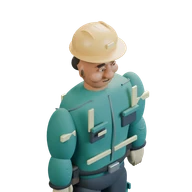
A better second life.
A moving conveyor. A little quick thinking. Pick up each item, find its place, and turn a busy sorting floor into an operation you can be proud of.
iPhone · iPad · Android
Free: Original Game and Your First Day tutorial. Optional one-time purchase: Facility & Contracts. No subscriptions, ads or purchasable Credits.
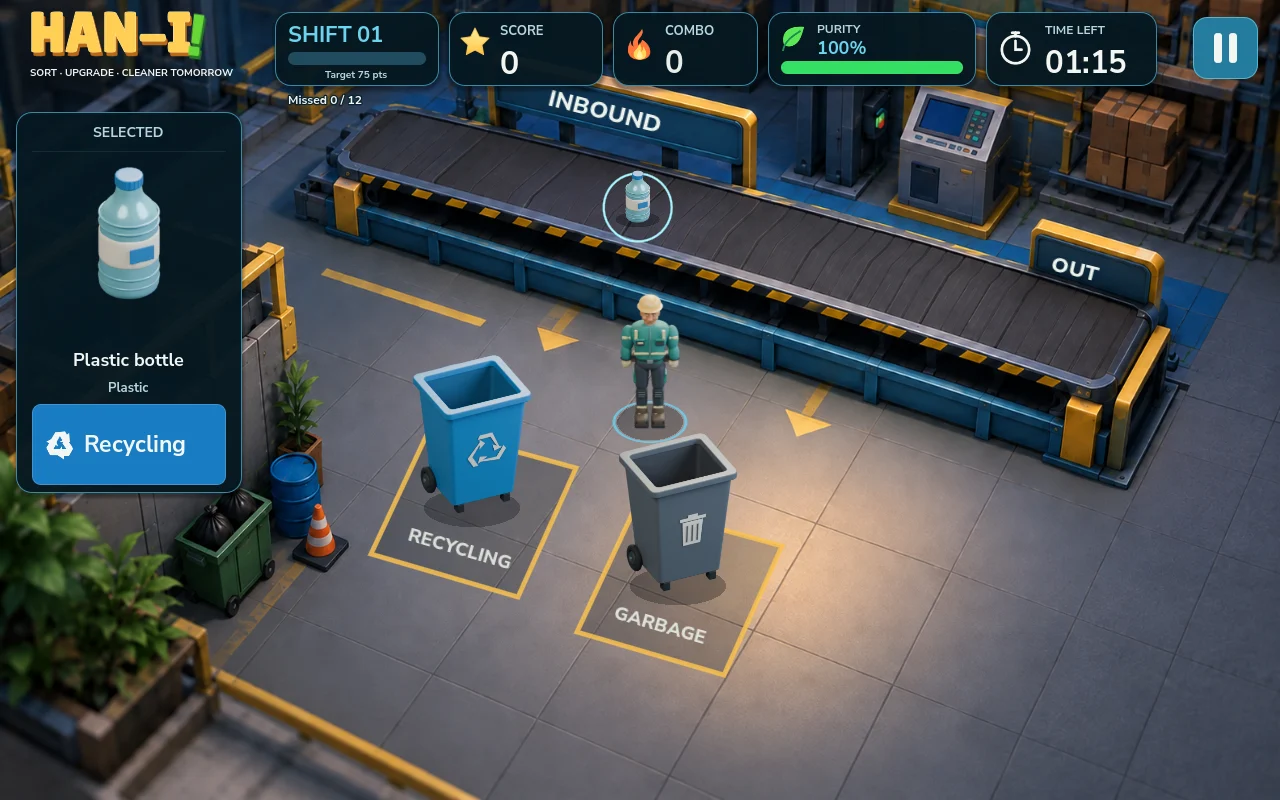
Small decisions. Satisfying progress.
Take on timed shifts in Original Game. Sort garbage, recycling and organic waste, reach your score target, and keep contamination under control.
Open Dismantling to begin contracts, then add Special Handling for more demanding loads. Recover materials, complete deliveries, and grow your operation.
Earn Credits through play. Unlock a five-worker roster including MICA, DASH, TORQ, Lina and Maya, improve shared equipment, and train and hire operators to help with larger contracts.
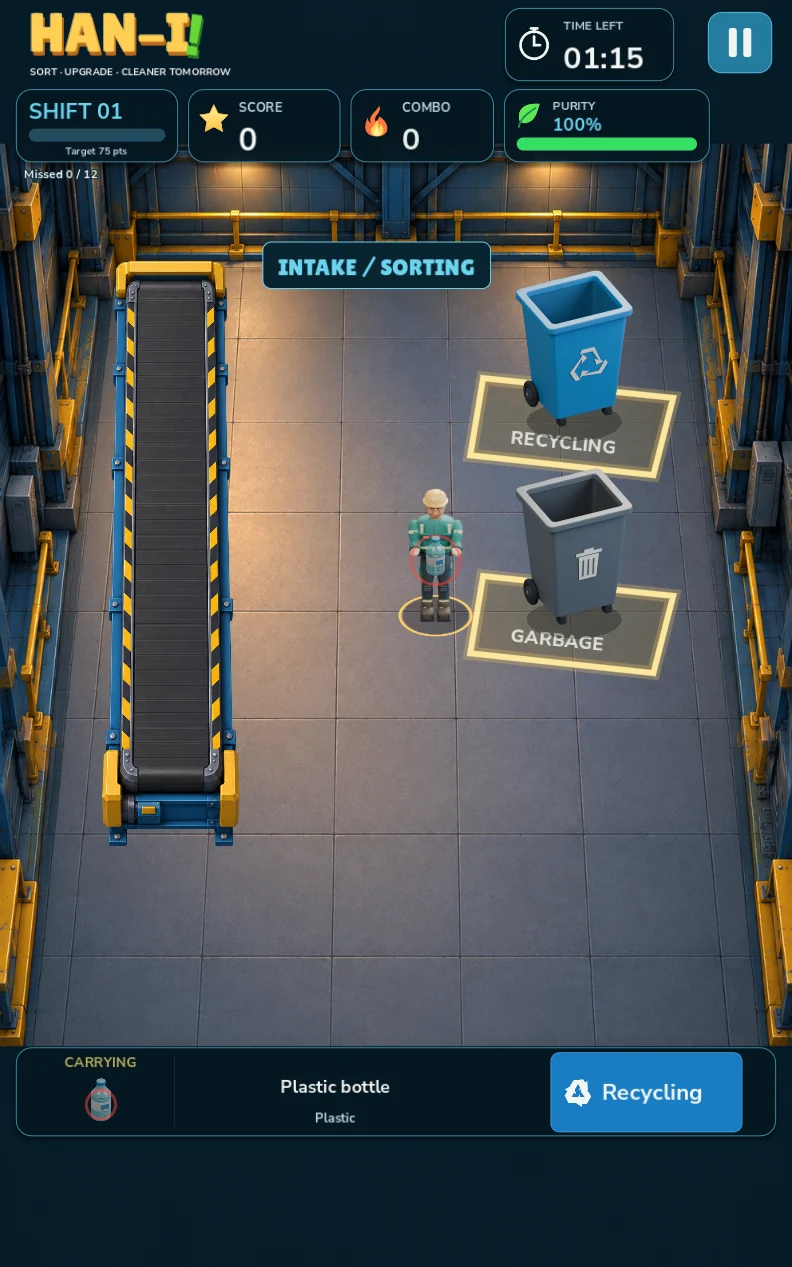
A floor that fits your screen
Choose a portrait or landscape layout. Tap where you want to go, tap an item to collect it, and tap a destination to deliver. Hold a destination to dash when the floor gets busy.
Player guide
Han-I Sorting asks you to balance speed, accuracy and a useful route around the floor. Correct deliveries build combos and score; mistakes reduce sorting purity, while missed items make a busy shift harder to manage. Start with a route you can repeat reliably before trying a longer queue.
The free tutorial teaches ordinary garbage, recycling, organic waste, bulky loads and special items one step at a time. There is no timer or contamination penalty. Follow the highlighted item and destination, and repeat the supervisor's instruction if you need it.
Open the illustrated Trash Guide from home, pause or the tutorial to check an item's destination. The guide pauses play. Its sorting rules are simplified for the game; use your community's own guidance for real household waste.
Tap an item to select it, then tap its destination to send the worker into action. You can queue deliveries, undo mistakes and hold a destination to dash. Keep the worker's travel distance in mind: a full queue is useful only if the stops make sense together.
Watch the timer, score target and purity during Original Game shifts. Choose portrait or landscape before play, then use pan and zoom to inspect the floor without changing the current layout.
MICA, DASH, TORQ, Lina and Maya form the five-worker roster. Their strengths support different approaches, including forgiving a mistake, faster handling or carrying heavy loads. Unlock workers and equipment with Credits earned through play.
Equipment upgrades apply across your unlocked crew. Decide whether travel speed, pickup time or carrying capacity is the bottleneck on your route. Credits cannot be bought with real money.
Facility & Contracts is an optional one-time in-app purchase with eight contracts, dismantling and special-handling rooms, and operators who can help process loads. Original Game and the tutorial remain free. The store shows the current price for your region before purchase.
Expansion ownership and facility improvements are separate: after unlocking the expansion, spend earned Credits to open Dismantling, then Special Handling and other upgrades. Check a contract's room requirements before starting it.
Ordinary play works offline after installation, with no game account. A connection is required to buy or verify the optional expansion. Keep the app installed to retain local saves.
Use Restore Purchases with the same app-store account that made the purchase. Apple and Google purchases are managed by their respective stores. Restoring expansion access does not restore a deleted local save. If verification fails, contact support with your platform and app version before buying again.
Local progress, earned Credits, unlocks and preferences can be removed. There is no developer-operated cloud save to retrieve them from. Store purchase ownership is separate from the local progress saved on the device.
A helping hand
For questions, feedback or a problem with Han-I Sorting, email us. Include your device model, app version and what happened so we can help.